Video conferencing has become an essential part of modern communication. Whether for business meetings, online classes, remote teamwork, or virtual interviews, knowing how to conduct yourself effectively during a video call can make a big difference. Good video conference habits help improve communication, professionalism, and overall productivity.
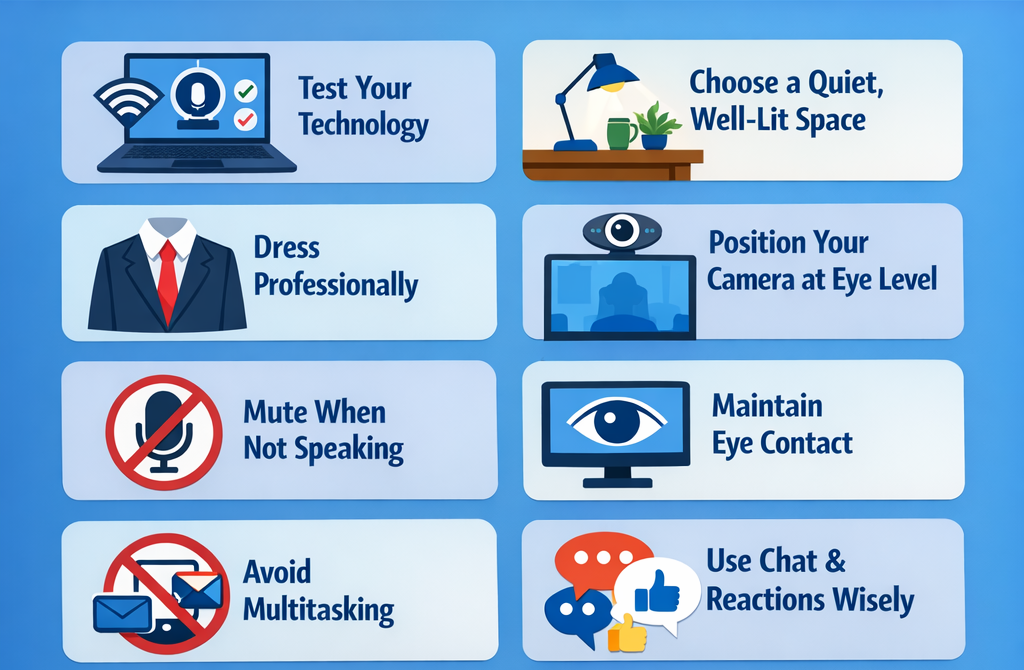
1. Test Your Technology in Advance
Before joining a video meeting, make sure your technology is working properly. Check your internet connection, microphone, camera, and headphones. Testing these tools beforehand prevents technical issues that could interrupt the meeting or waste time.
2. Choose a Quiet and Well-Lit Environment
Your surroundings affect how others perceive you during a video call. Select a quiet location where background noise is minimal. Good lighting, preferably natural light facing you, helps others see you clearly and creates a more professional appearance.
3. Dress Professionally
Even though you may be attending the meeting from home, dressing professionally shows respect for the meeting and the people attending it. Wearing appropriate attire also helps you maintain a professional mindset.
4. Position Your Camera Properly
Place your camera at eye level so that you appear natural and engaged. Avoid angles that point up or down toward your face. A stable camera position also prevents distractions during the meeting.
5. Mute Your Microphone When Not Speaking
Background noises such as typing, traffic, or household sounds can disrupt the meeting. Keeping your microphone muted when you are not speaking helps maintain clear communication for everyone.
6. Maintain Eye Contact and Good Body Language
Look at the camera when speaking instead of constantly looking at the screen. This creates the impression of eye contact. Sit upright, avoid unnecessary movements, and use natural gestures to appear attentive and confident.
7. Avoid Multitasking
It can be tempting to check emails or browse other websites during a virtual meeting. However, multitasking reduces your focus and may cause you to miss important points. Stay fully engaged in the discussion.
8. Use the Chat and Reaction Features Wisely
Most video conferencing platforms provide chat boxes, reactions, and “raise hand” features. Use these tools to ask questions, share links, or indicate that you want to speak without interrupting others.
9. Be Punctual
Join the meeting a few minutes early to ensure everything is working properly. Being punctual shows professionalism and allows the meeting to start on time.
10. Follow Up After the Meeting
After the meeting, review notes, send summaries if necessary, and complete any assigned tasks. Following up ensures that the meeting results in productive outcomes.
Conclusion
Effective video conferencing is more than simply turning on your camera and microphone. It requires preparation, professionalism, and active participation. By following these tips, individuals can improve communication, reduce technical problems, and make virtual meetings more productive and engaging for everyone involved.